Device Details
Overview
| Name | Version: | SlideFlam 1.0 |
| Author: | carlosbtlr |
| Device Type: | MIDI Transformation |
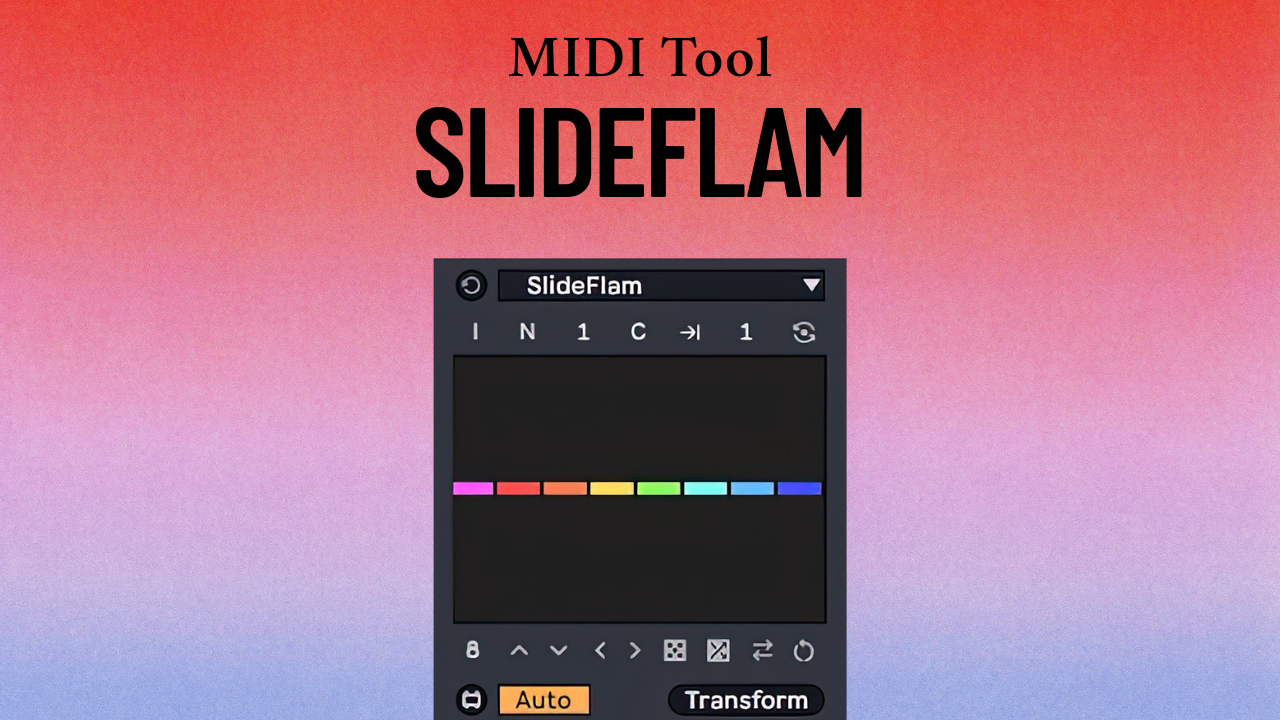
| Description: | SlideFlam is a Max for Live MIDI transformation tool that allows you to add ornamental notes to your main MIDI notes in a very fast and intuitive way. Its multi-slider UI lets you insert any kind of embellishing notes you can imagine, including grace notes, flams, trills, mordents and much more. Step Sliders Add new flam notes for selected notes with the UI step sliders. The step sliders can be dragged vertically and horizontally to produce complex transformations using broad, long scope gestures. Ctrl or Cmd keys can be used for finer adjustments. Note/Grid Modes Switch between per-note and interval based transformations. Note mode will make each slider add flam notes to a single MIDI note, whereas grid mode will make each slider add flam notes to a group of notes that fall within Live's grid interval. Inner/Outer Modes Switch between these two modes to control whether the flam notes are generated within or outside the targeted notes. Use this to control the placement of the flam notes relative to the targeted note. Cyclical and Linear Mapping Modes Switch between cyclical and linear mapping modes. Use this to switch between cyclical and linear transformations. Custom Groups Dial in the number of notes you want to group together. Use this to make transformations to arbitrary groups of notes. UI Controls Make fast variations with randomization and global shifting. Use this to try out new chord variations. Minimum Requirements: - Ableton Live 12 - Max 9 |
Details
| Live Version Used: | 12 |
| Max Version Used: | 9 |
| Date Added: | Jan 18 2026 15:15:11 |
| Date Last Updated: | Jan 18 2026 15:15:29 |
| Downloads: | 0 |
| Website: | https://ko-fi.com/s/f53a325721 |
| ⓘ License: | Commercial |
Average Rating
Log in to rate this device |
-n/a- |
Login to comment on this device.
Browse the full library